
What is ‘Know Your Customer’?
Keen to understand a little more about our policy? Head here. It will ...
Jump to a section
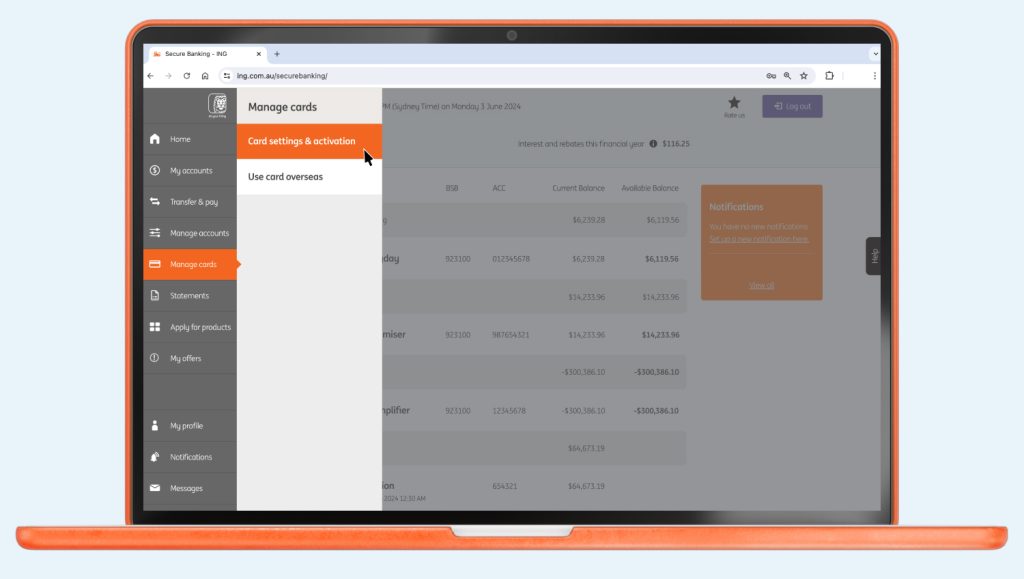
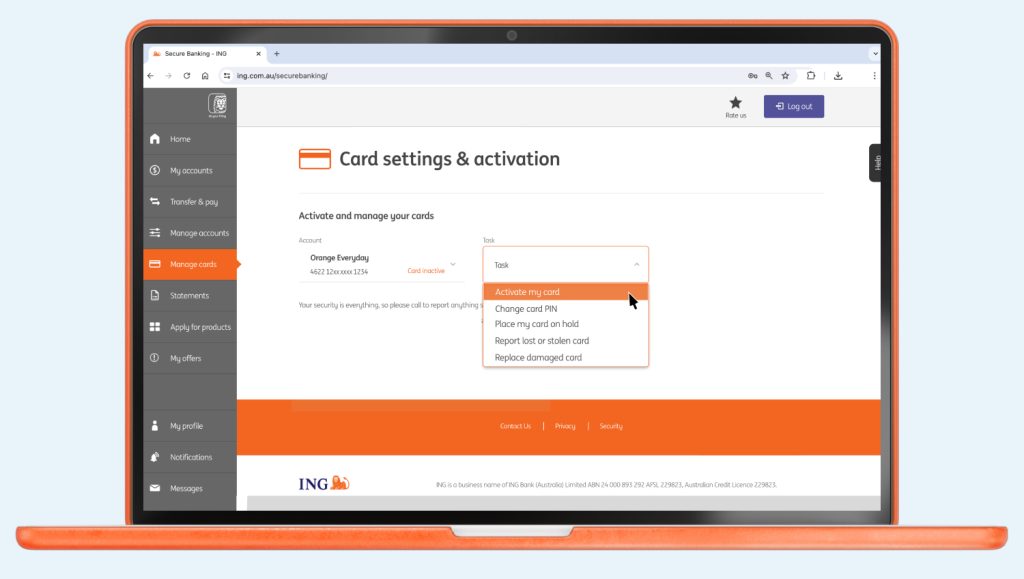
There’s no need to sign your new Orange Everyday card. Which means you can get going sooner.
Keen to understand a little more about our policy? Head here. It will ...

While we’ll never treat you like a number, your client number and account number ...


How long the money will take to reach its destination depends on the type ...

Orange Everyday Apple Pay Apple Wallet App Apple Watch Google Pay

Easy. And fast! Some organisations will let you do this online, over the phone ...