
How do I get the highest savings rate?
If you want to fast track your savings so you can get to your ...
Jump to a section

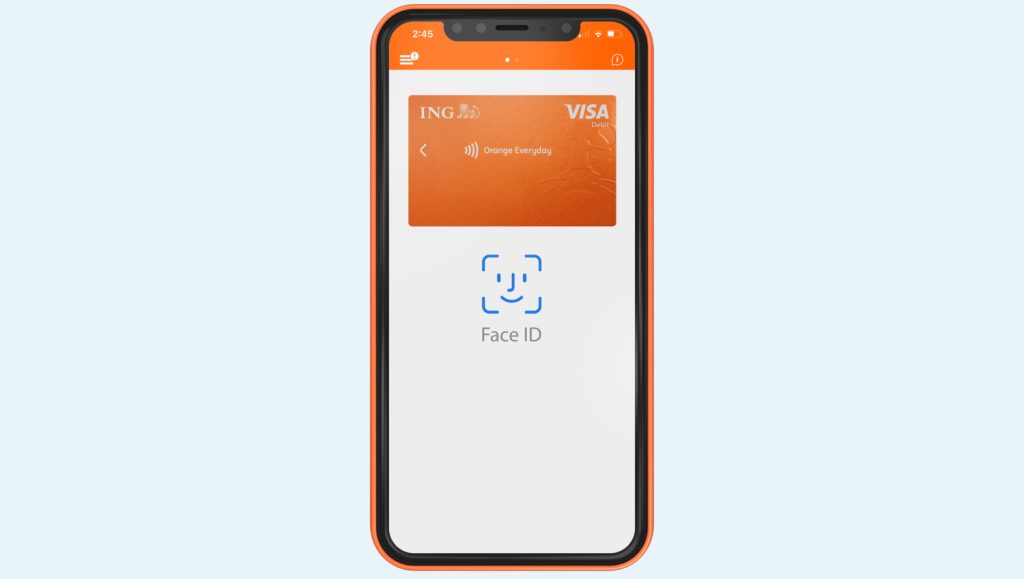
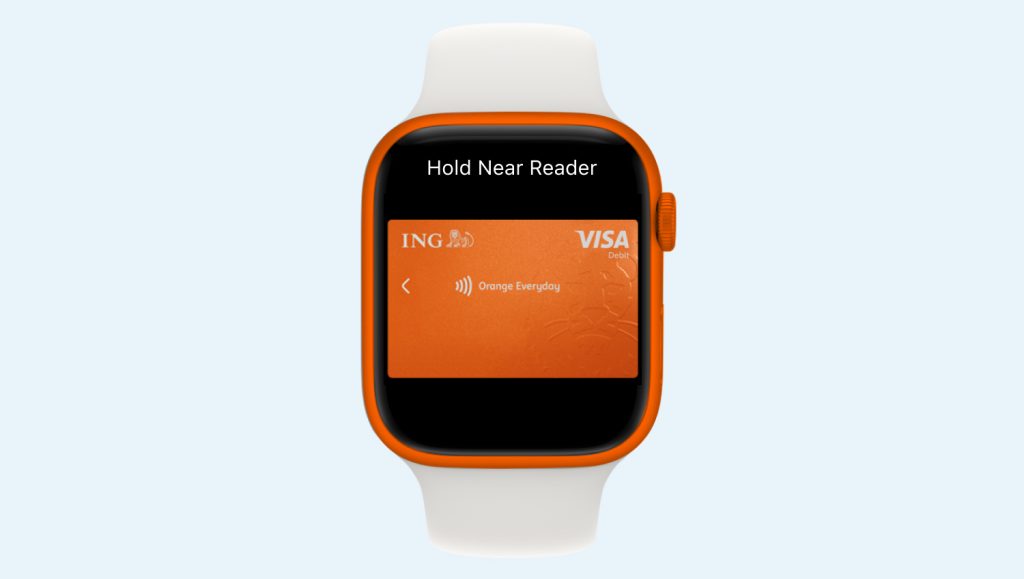
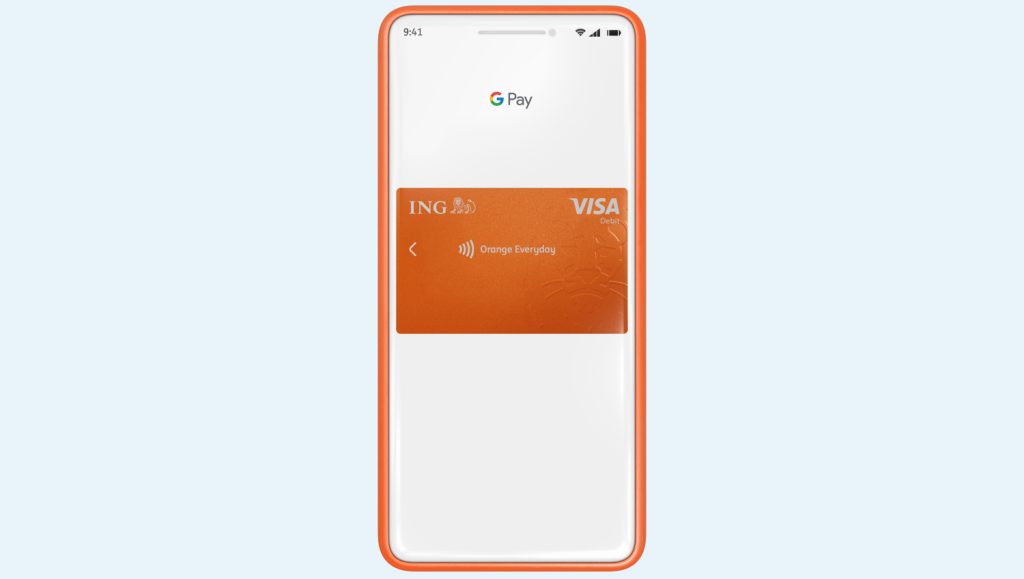
If you want to fast track your savings so you can get to your ...

No problem. There are two differences here: A disputed transaction – a transaction that ...

Easy. And fast! Some organisations will let you do this online, over the phone ...

No signature required There’s no need to sign your new Orange Everyday card. Which ...

Keen to understand a little more about our policy? Head here. It will ...

Payment Limit Debit Card Purchase Limit (Including Apple Pay) $50,000 per day per account ...