
How to find your Client Number and Access Code.
Downloading the new ING App 1. Client number Once you have accepted the terms ...
Jump to a section
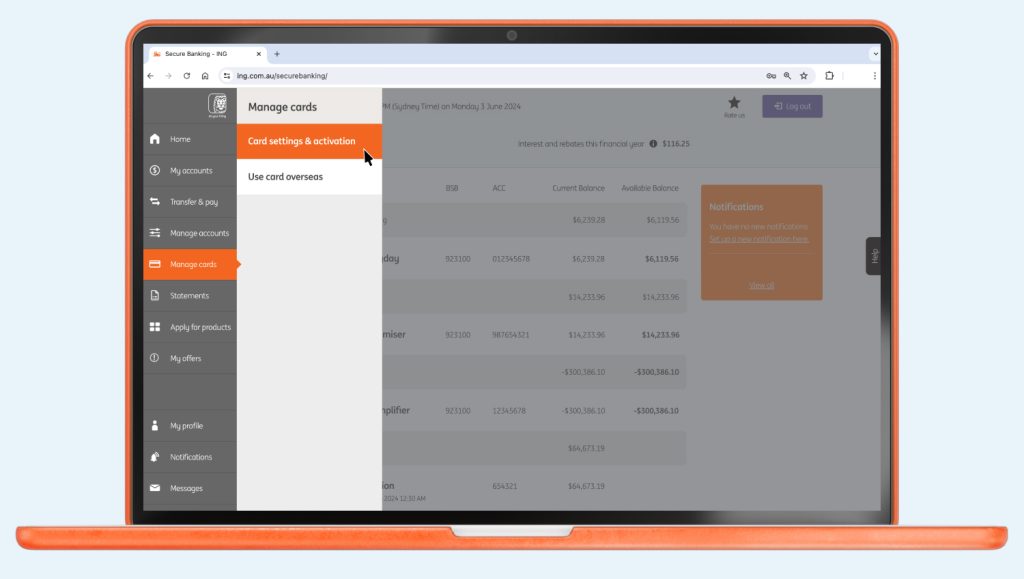
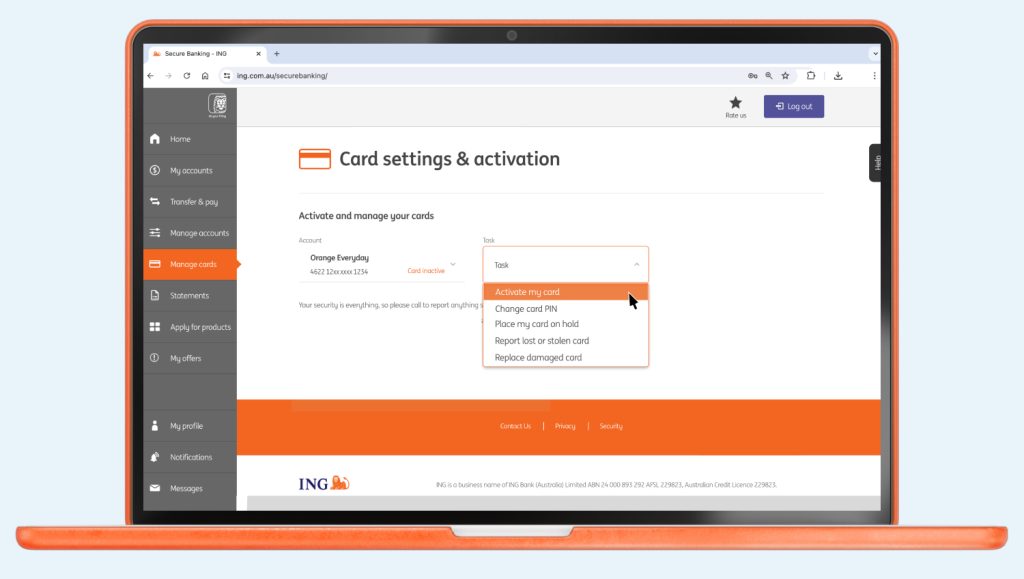
Downloading the new ING App 1. Client number Once you have accepted the terms ...

No signature required There’s no need to sign your new Orange Everyday card. Which ...
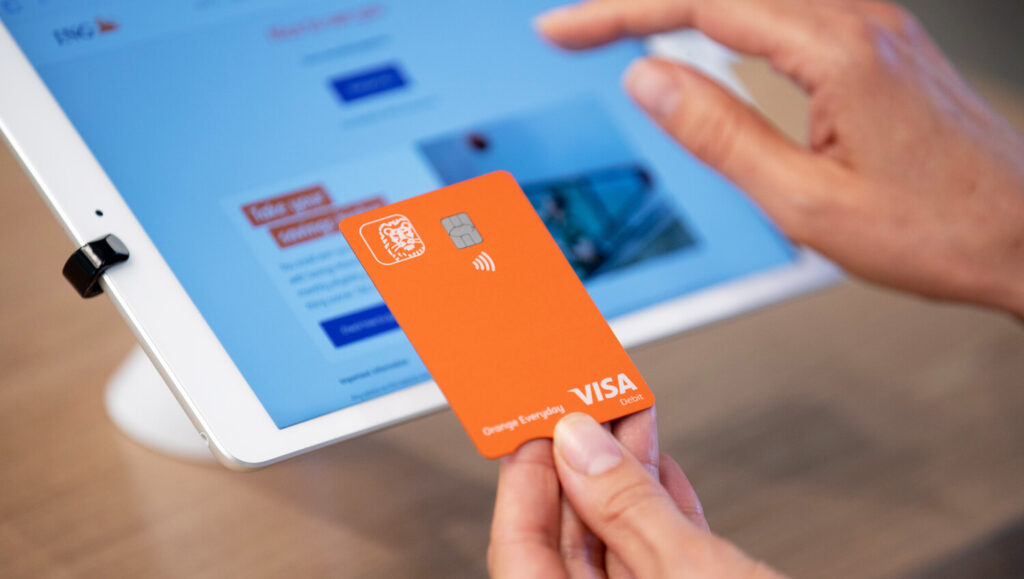
Your ING card is only valid during the period stated on the card and ...

How long the money will take to reach its destination depends on the type ...

Checking or changing your details Changing your linked bank account For Savings Maximiser, Savings ...

Can I use my card overseas? Yes, you can use your Orange Everyday or ...