
Refer a Friend – FAQs
What is the Refer a Friend campaign? Refer a Friend is a promotion we ...
Jump to a section
Your Access Code is the 4-digit code that you use to log in to ING and is a security measure to verify your identity and access your account. Don’t remember it anymore? No worries, reset it on the Legacy ING App or through Online Banking.

Currently, you can only reset your access code in the Legacy ING App or via Online Banking. We apologise for the inconvenience. Please note: if you have biometrics enabled in the Legacy ING App, the option to reset your access code will only appear after a failed biometric attempt.
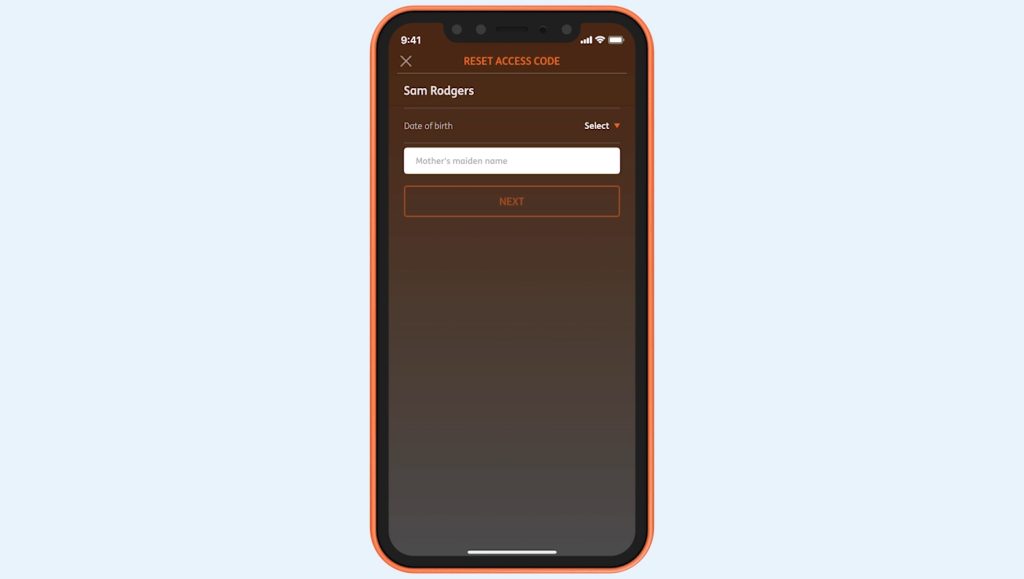
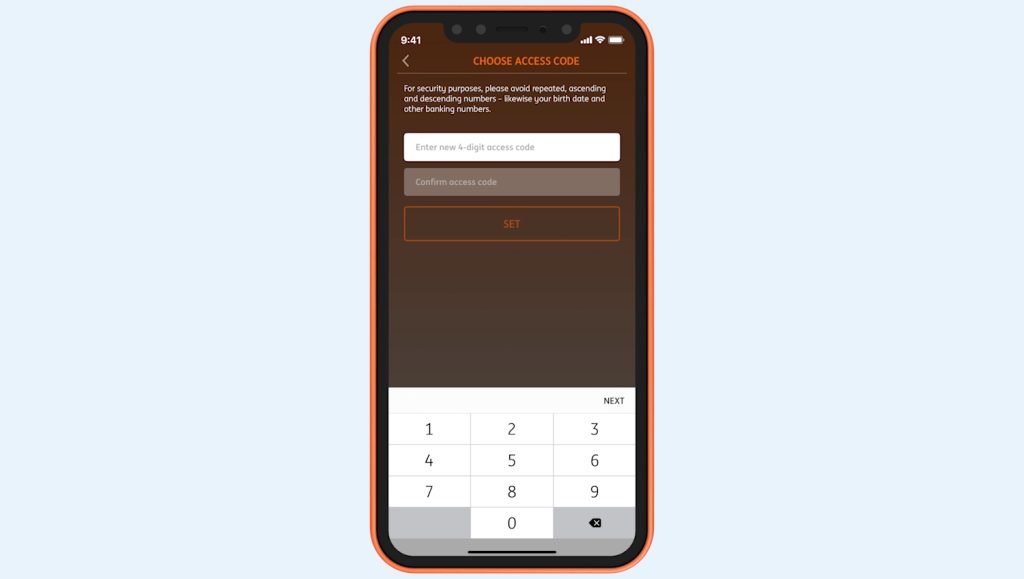
How you reset your access code using online banking depends on if you’ve registered to receive SMS security codes.
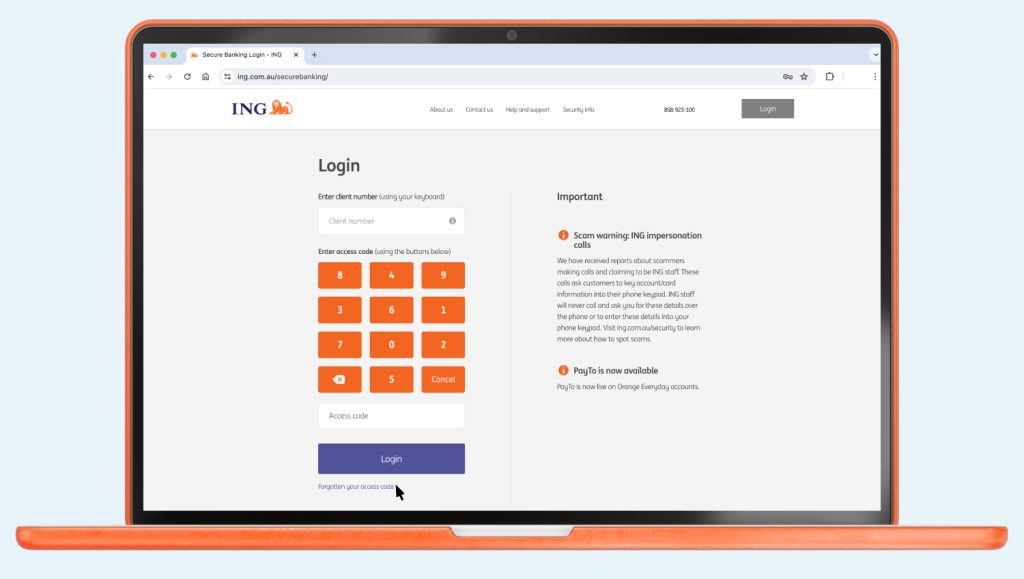
If you’ve tried 3 times and been locked out, call us on 133 464 so we can reset it for you.
You can reset your access code using the ING App or Online Banking.
What is the Refer a Friend campaign? Refer a Friend is a promotion we ...


How long the money will take to reach its destination depends on the type ...

Want to change your Pay Anyone daily limit? No problem. You can change it ...

Whether you want to hide your balance or only show it when nobody is ...