What if I forget my access code?
Your Access Code is the 4-digit code that you use to log in to ...
-13 min readJump to a section
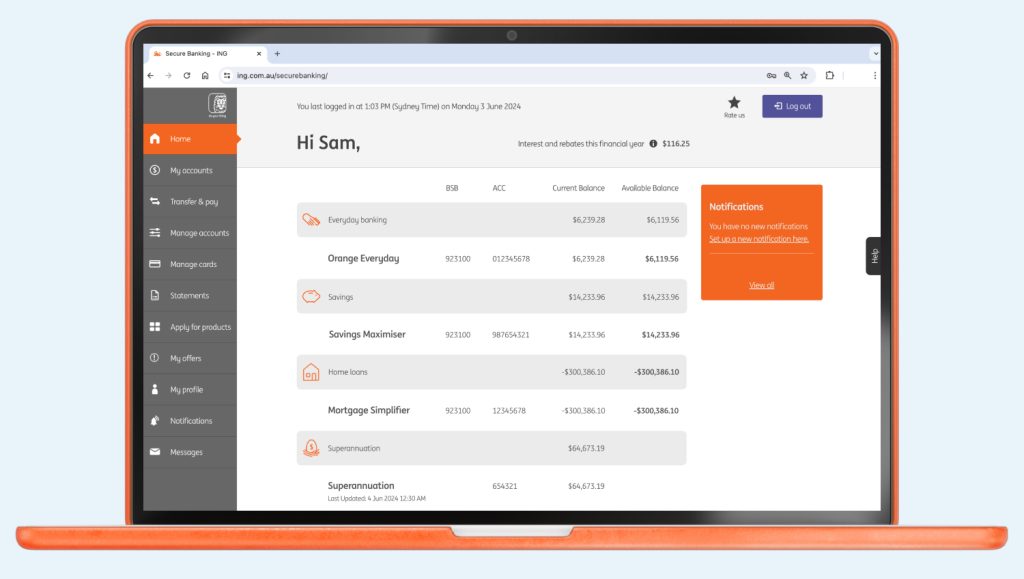
While we’ll never treat you like a number, your client number and account number are how we can give you fast yet secure access to your ING accounts.
 > My profile
Your unique client number is a simple way of identifying yourself with ING.
You can easily find your client number from the following:
Having your client number and access code handy when you call, helps us to answer your call quicker.
You also need your client number to access Online Banking.
Your account number is the unique number allocated to each account you hold with us. To see your account numbers simply login to the ING App or Online Banking.
Your Access Code is the 4-digit code that you use to log in to ...
-13 min read
What is the Refer a Friend campaign? Refer a Friend is a promotion we ...

Can I use my card overseas? Yes, you can use your Orange Everyday or ...

Keen to understand a little more about our policy? Head here. It will ...