
How do I get the additional savings rate?
You could fast track your savings goals sooner, with Savings Maximiser's highest available variable rate.
Jump to a section
Reset access code can only be accessed during registration, or if you’ve been locked out of the app.
How you reset your access code using online banking depends on if you’ve registered to receive SMS security codes.
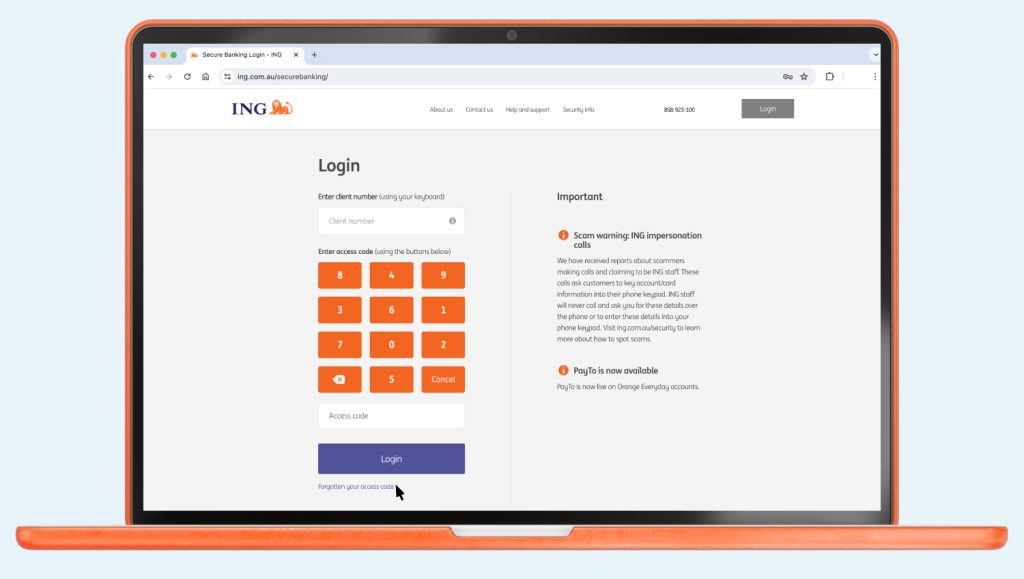
If you’ve tried 3 times and been locked out, call us on 133 464 so we can reset it for you.
You can reset your access code using the ING App or Online Banking.

Up next
Easy. And fast! Some organisations will let you to do this online, over the phone or by completing a form.
You could fast track your savings goals sooner, with Savings Maximiser's highest available variable rate.

If you dispute a transaction on your Orange Everyday or Orange One, here's how to go about getting a quick resolution.

Can I use my card overseas? Yes, you can use your Orange Everyday or ...

In most situations, accounts can be closed quickly using online banking or with the ING app.

Payment Limit Debit Card Purchase Limit (Including Apple Pay) $50,000 per day per account ...