Savings Booster and Orange Everyday up to $400 Offer FAQ
What is the Savings Booster and Orange Everyday up to $400 offer? For more ...
7 min readJump to a section
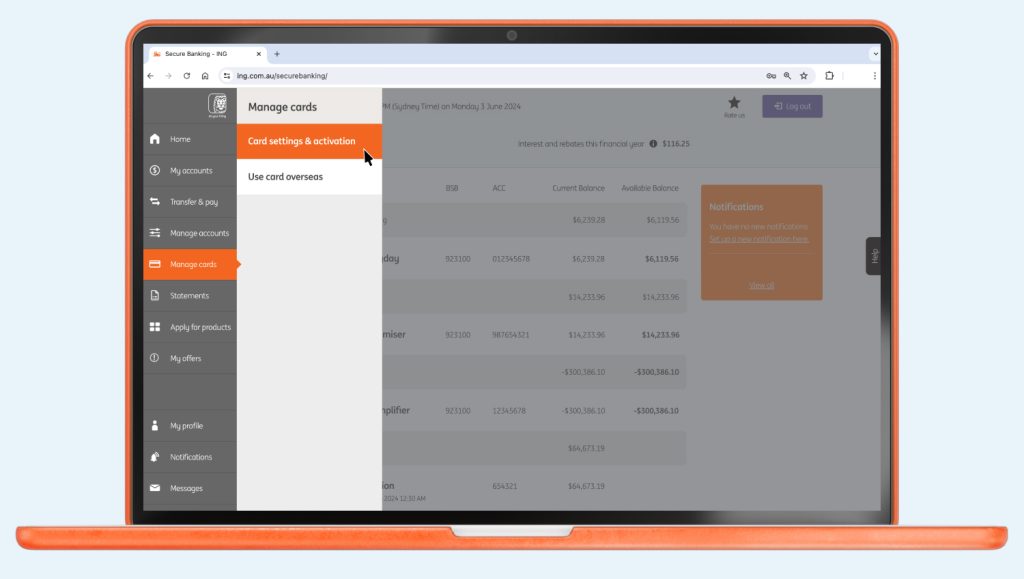
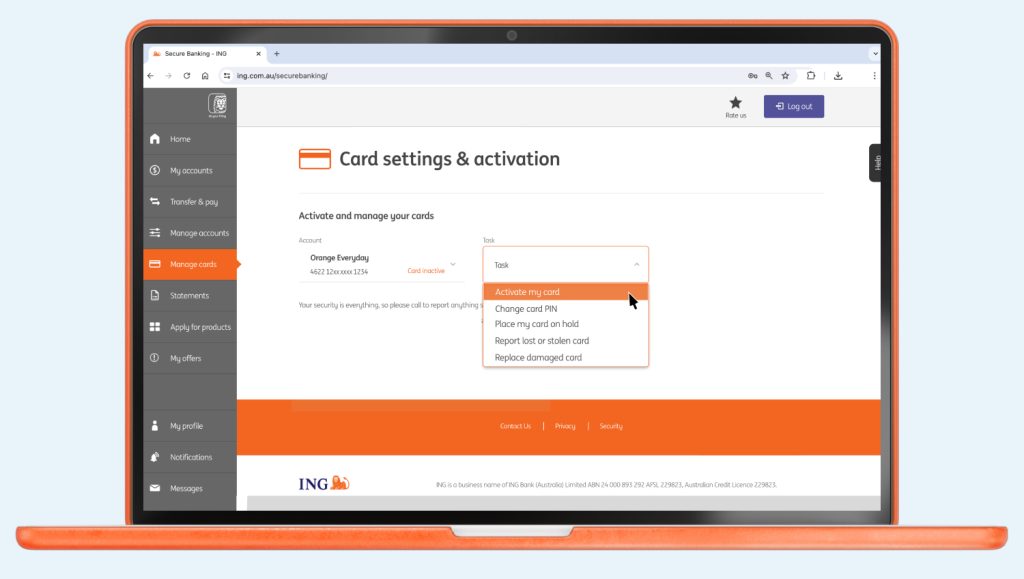
There’s no need to sign your new Orange Everyday card. Which means you can get going sooner.

If you dispute a transaction on your Orange Everyday or Orange One, here's how to go about getting a quick resolution.

You could fast track your savings goals sooner, with Savings Maximiser's highest available variable rate.
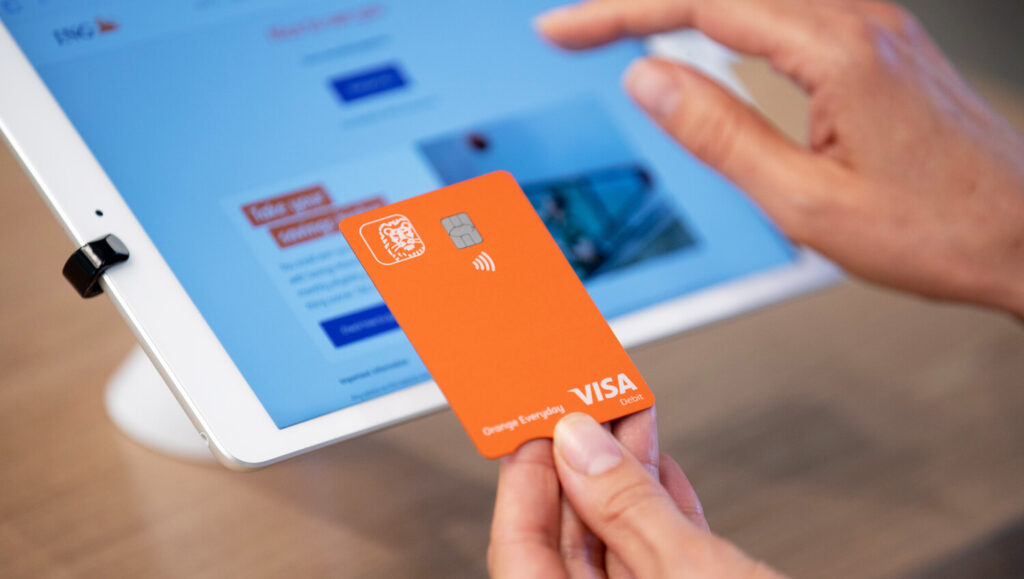
Your ING card is only valid during the period stated on the card and ...

Easy. And fast! Some organisations will let you to do this online, over the phone or by completing a form.