
When will my transaction go through?
How long the money will take to reach its destination depends on the type ...
Jump to a section
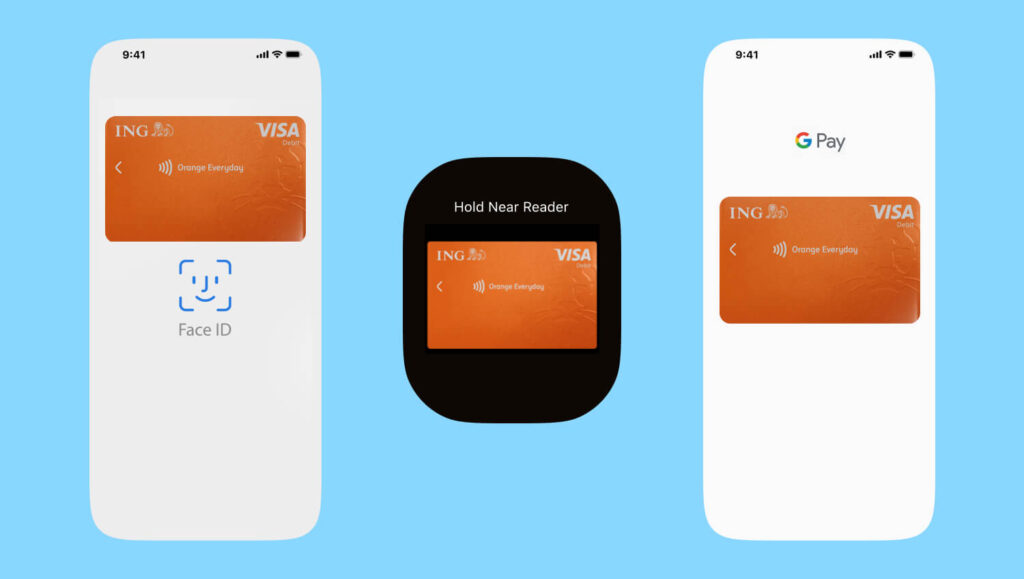
Note: if your card has already been added to the wallet, you will not see the option to proceed.

We’re rolling it out in stages as additional products and features become available. You may need to manage your products and features via online banking if they’re not yet available in the new app.
For Orange One legacy ING app information, learn more below.
How long the money will take to reach its destination depends on the type ...

You can access your statements using your ING app or Online Banking.

What are digital card details? In the ING app you can find your digital ...

1. Set it up ING Everyday Round Up requires an Orange Everyday account for ...

Can I use my card overseas? Yes, you can use your Orange Everyday or ...

You could fast track your savings goals sooner, with Savings Maximiser's highest available variable rate.