
How do I close my account?
In most situations, single Savings Booster, Savings Maximiser, Savings Accelerator and eligible Orange Everyday ...
Jump to a section
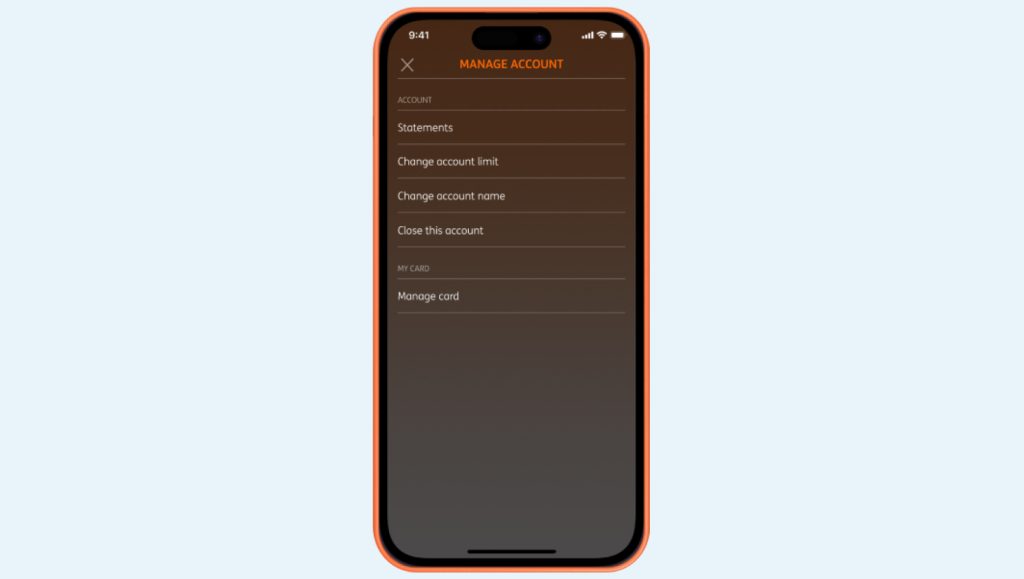
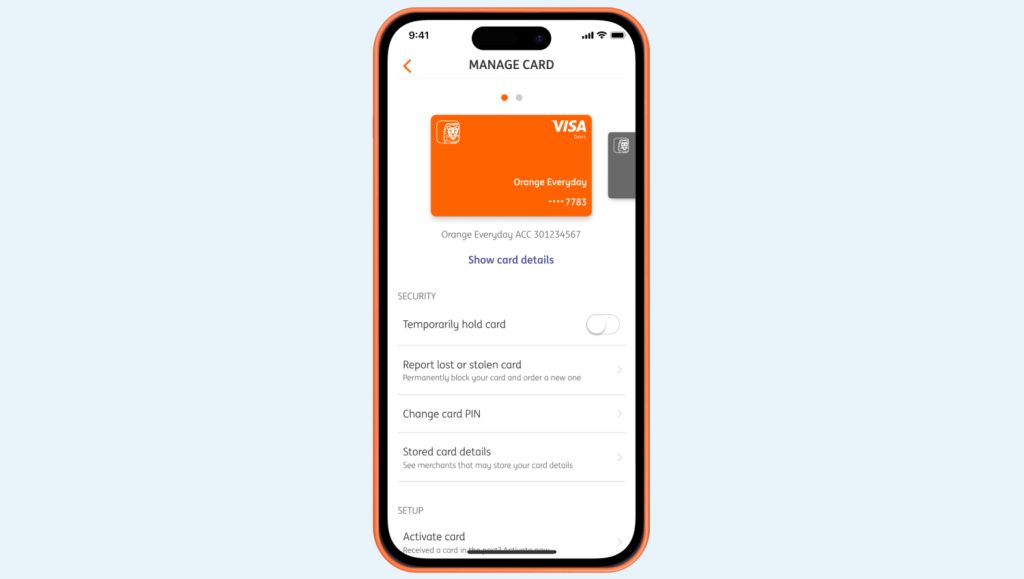
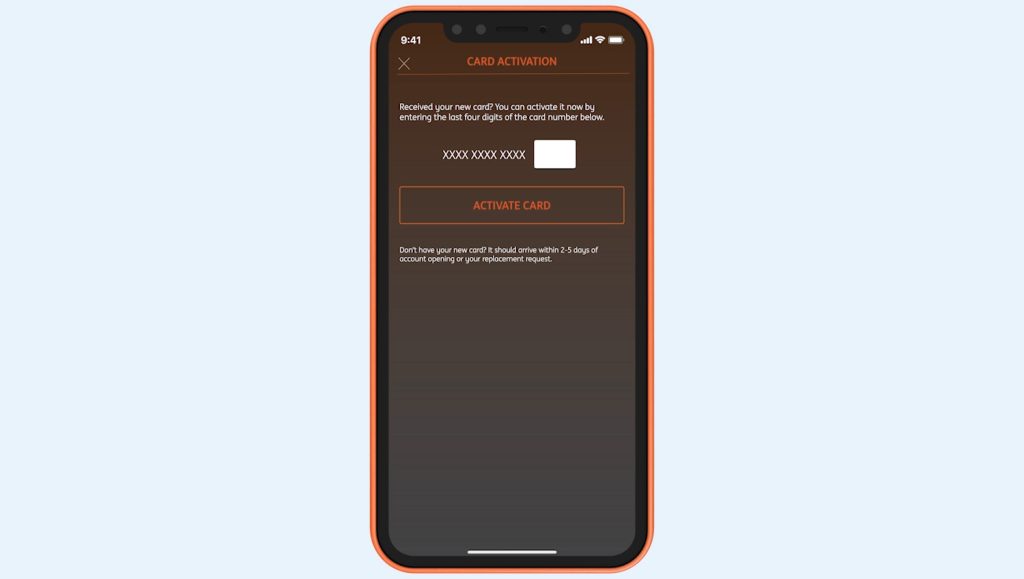
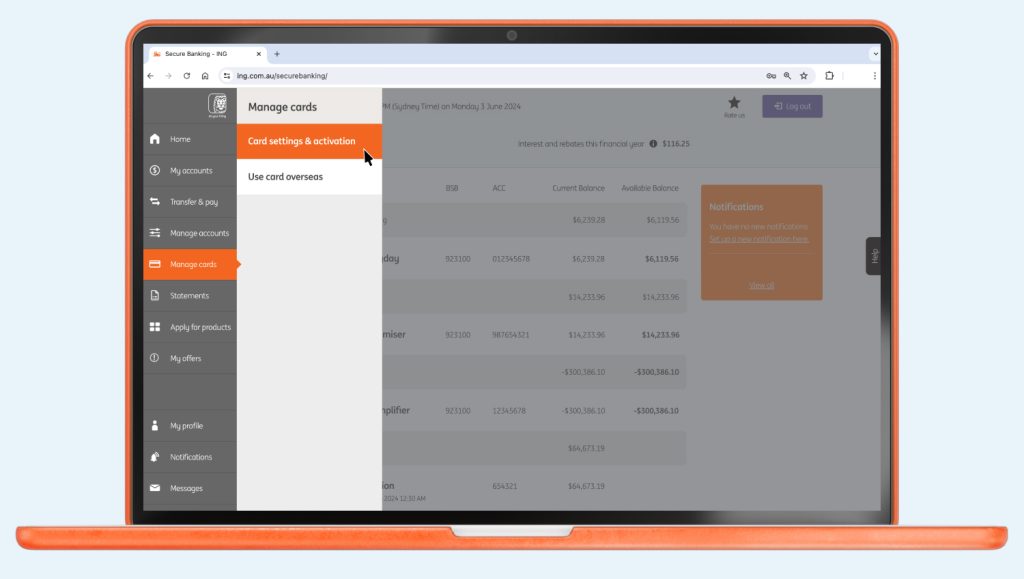
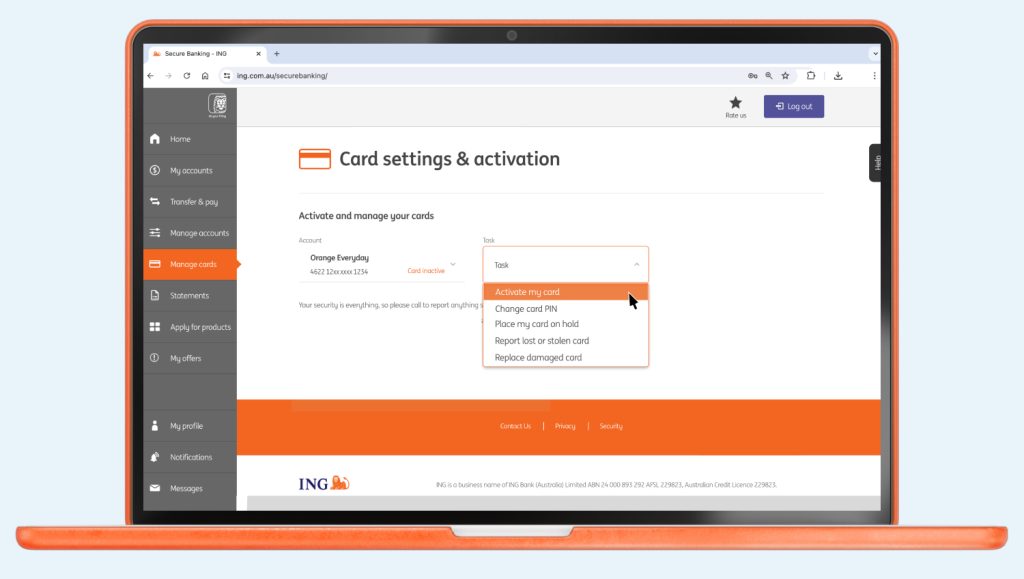
There’s no need to sign your new Orange Everyday card. Which means you can get going sooner.
In most situations, single Savings Booster, Savings Maximiser, Savings Accelerator and eligible Orange Everyday ...

If you want to fast track your savings so you can get to ...


Orange Everyday Apple Pay Legacy ING app You can also add your card from ...

What is the Refer a Friend campaign? Refer a Friend is a promotion we ...