
What is ‘Know Your Customer’?
Keen to understand a little more about our policy? Head here. It will ...
Jump to a section
How you reset your access code using online banking depends on if you’ve registered to receive SMS security codes.
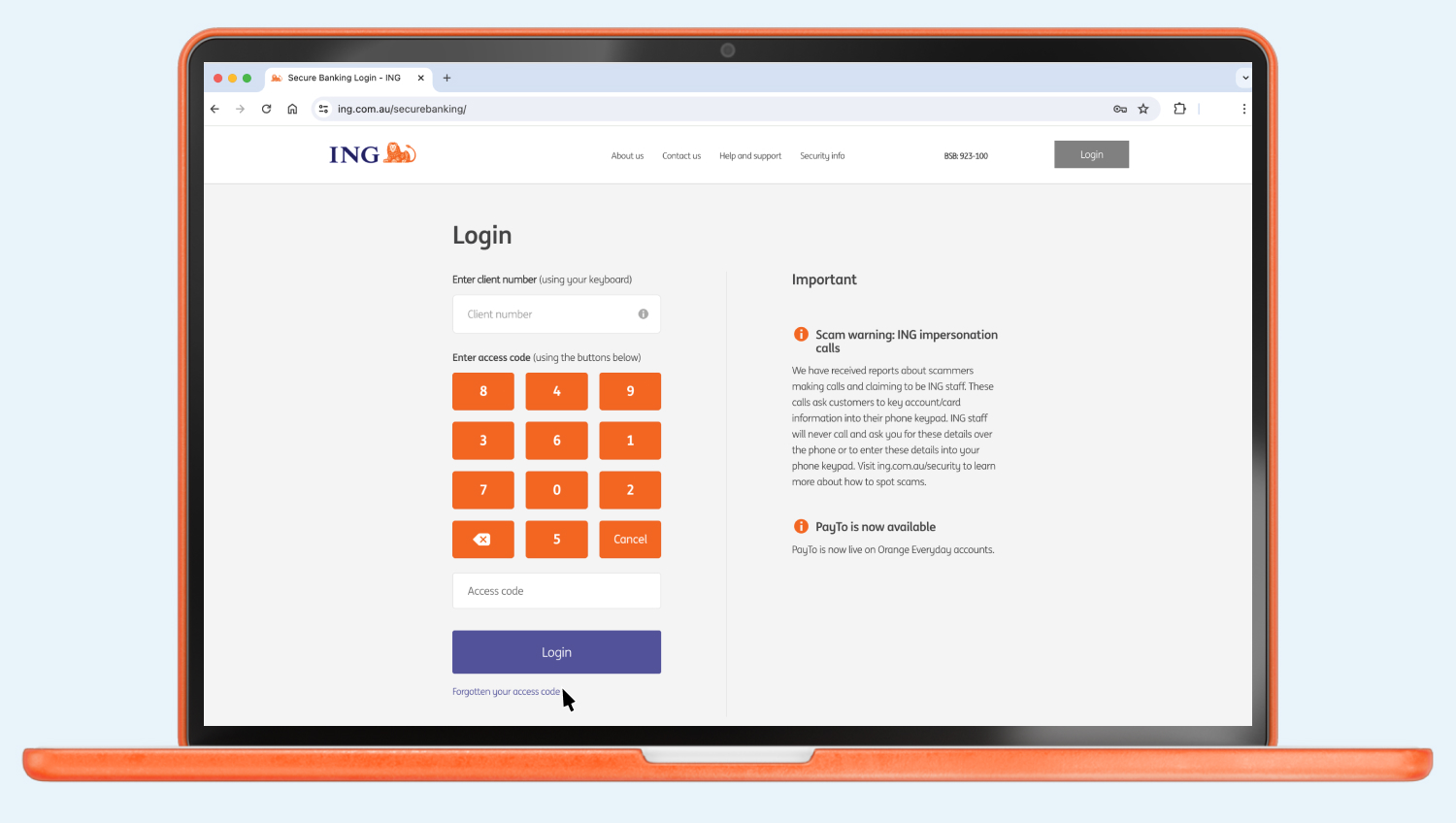
If you’ve tried 3 times and been locked out, call us on 133 464 so we can reset it for you.
You can reset your access code using the ING App or Online Banking.
While we’ll never treat you like a number, your client number and account number are how we can give you fast yet secure access to your ING accounts.
Your unique client number is a simple way of identifying yourself with ING.
You can easily find your client number from the following:
Having your client number and access code handy when you call, helps us to answer your call quicker.
You also need your client number to access Online Banking.
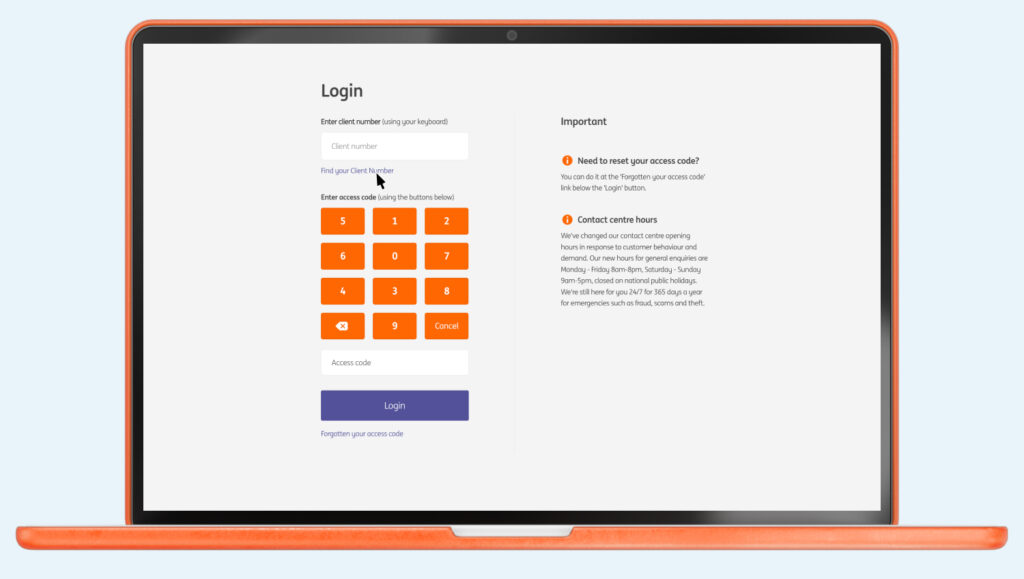
You can find your Client Number online:
1. Go to ing.com.au and select Login.
2. Select Find your Client Number.
3. Follow the prompts to retrieve your Client Number.
Keen to understand a little more about our policy? Head here. It will ...

What is the Refer a Friend campaign? Refer a Friend is a promotion we ...


How do I find out the expiry date of my Fixed Rate Home Loan? ...

If any of your details change, you can easily update them online.

If you never received your Orange Everyday Card or it was cancelled, you can ...