
How do I get the additional savings rate?
If you want to fast track your savings so you can get to ...
Jump to a section
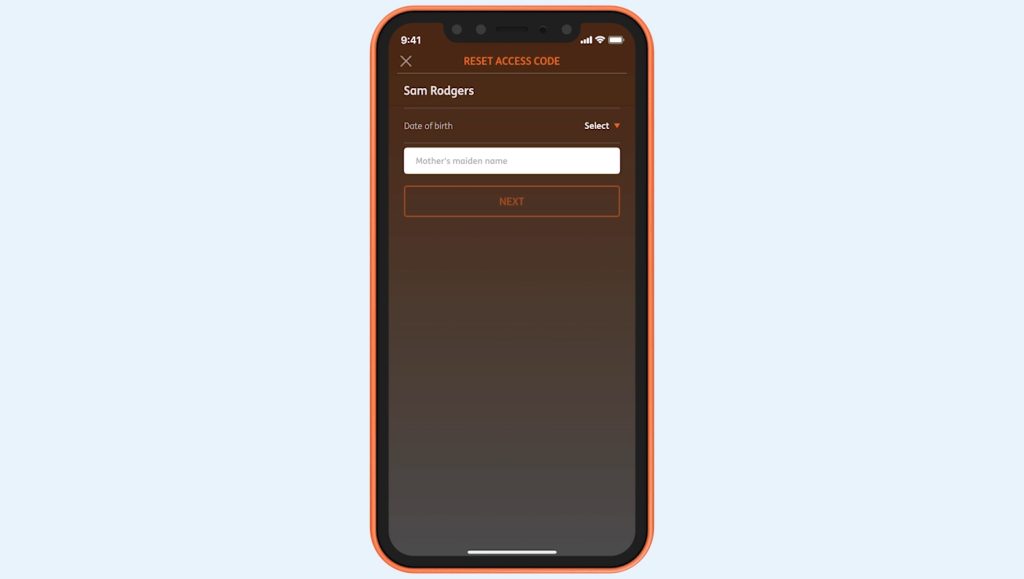
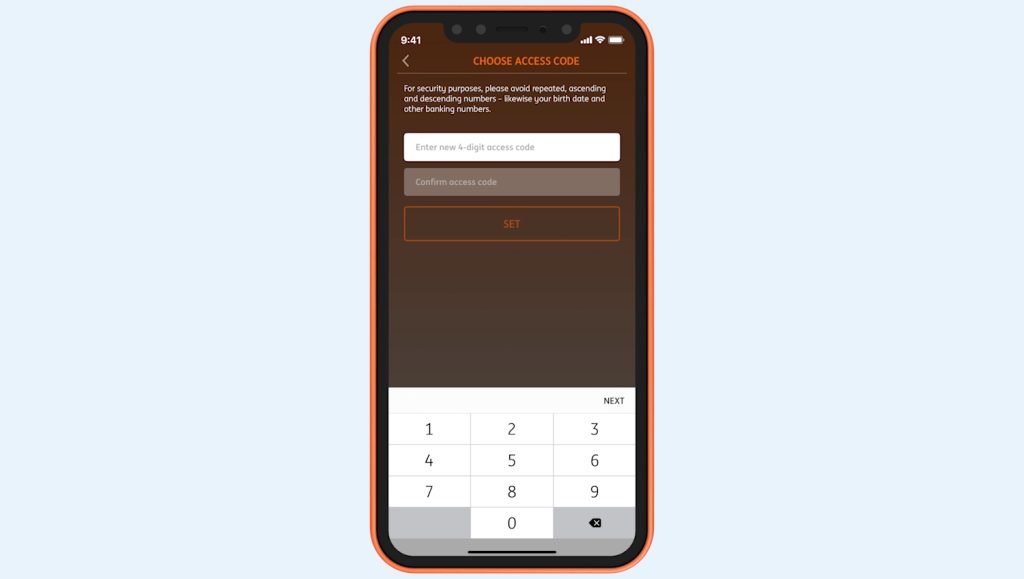
How you reset your access code using online banking depends on if you’ve registered to receive SMS security codes.
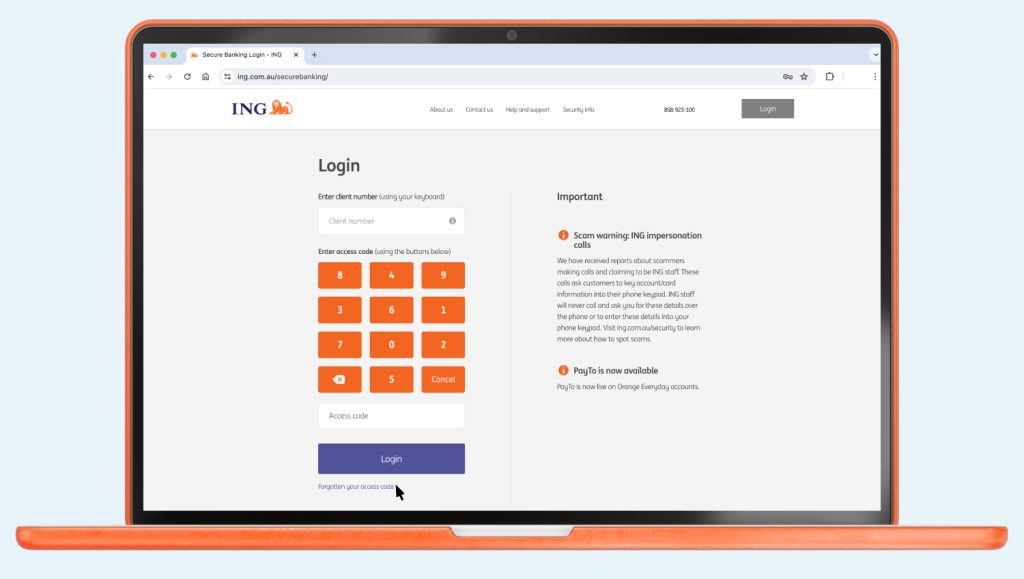
If you’ve tried 3 times and been locked out, call us on 133 464 so we can reset it for you.
You can reset your access code using the ING App or Online Banking.
If you want to fast track your savings so you can get to ...

It’s easy to set up a scheduled payment from your ING account, it’s ...

You can access your statements using your Legacy ING app or Online Banking.

Checking or changing your details Changing your linked bank account For Savings Maximiser, Savings ...


Hit the fast track! It doesn’t pay to delay if your Orange Everyday ...